Fraudsters can transfer your mobile number to a SIM card they control — giving them access to your bank accounts and online logins.
What is happening?
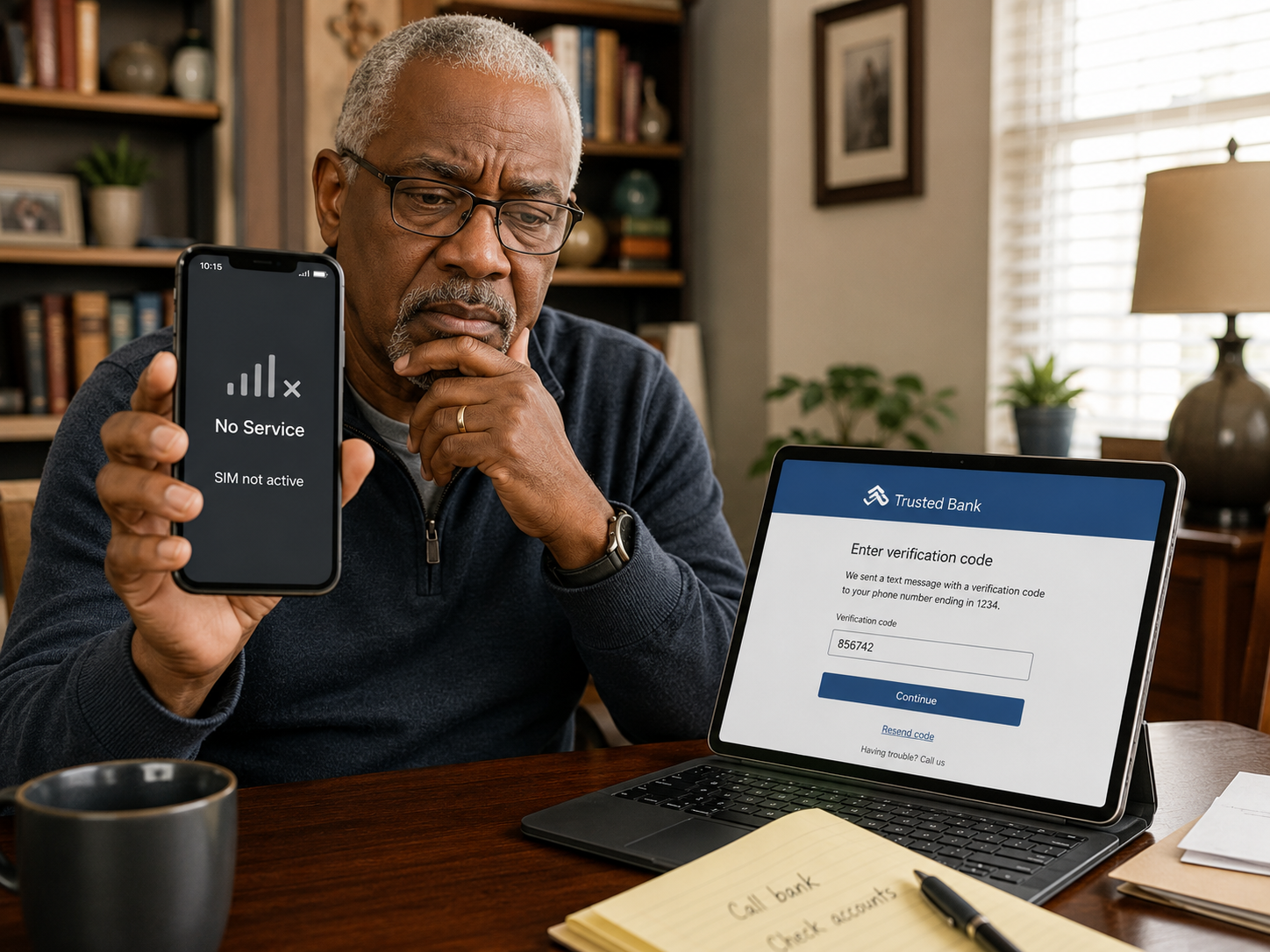
A fraudster contacts your mobile network, pretends to be you, and asks for your number to be transferred to a new SIM card in their possession. Once they control your number, they can receive the one-time passcodes that banks and online accounts send by text — effectively unlocking your accounts without needing your password.
Why does this scam work?
Many online accounts and banks still use text messages as a security check. Once a fraudster controls your number, those checks work in their favour rather than yours. The attack can happen quickly, and by the time you realise your phone has lost signal, significant damage may already have been done.
Warning signs:
Your phone unexpectedly losing signal or showing no network. Text messages or calls stopping without explanation. Alerts from your bank or other accounts about activity you did not initiate.
What to do:
Contact your network provider immediately if your phone loses signal unexpectedly. Ask your network to add a PIN or password to your account so that no changes can be made without it. Where possible, use an authenticator app rather than text messages for two-step verification. Act quickly — call your bank from another device to freeze your accounts if you suspect your number has been taken over.
